
Download any video instantly
Save videos from YouTube and 1000+ sites with one click. Fast, secure, and completely free browser extension


Powerful Features
Fast, simple, and built for anyone who wants instant access to any video online
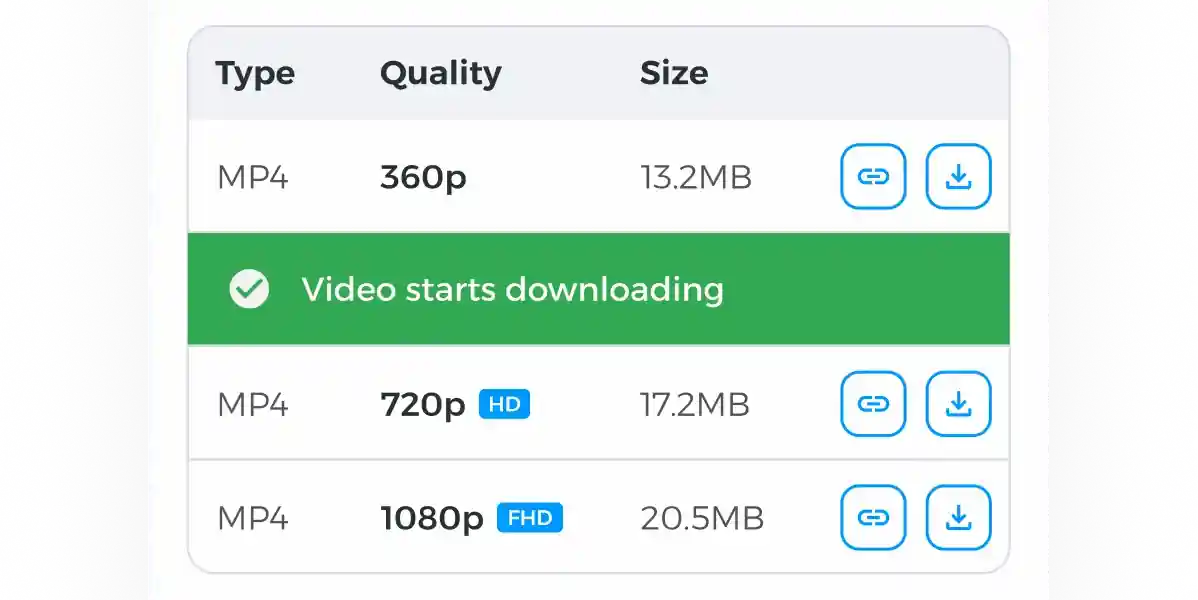
One-click video download
Save videos directly from the page without copying links or using third-party sites

Supports 1000+ platforms
Works on YouTube, Vimeo, TikTok, Facebook, Twitter, and most popular video websites
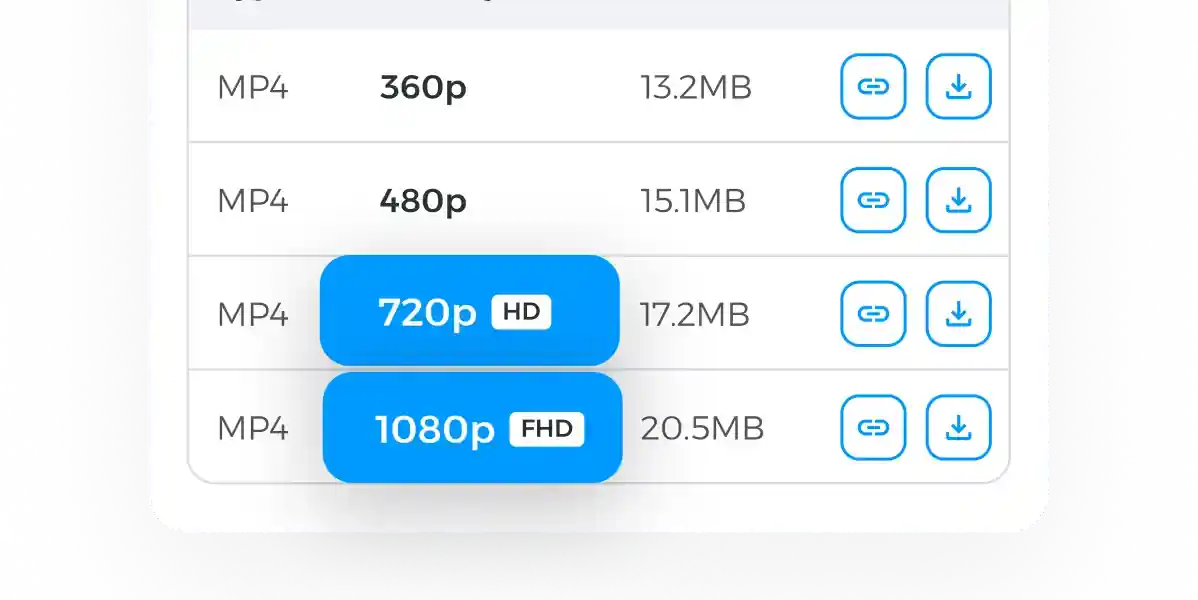
Best format & quality options
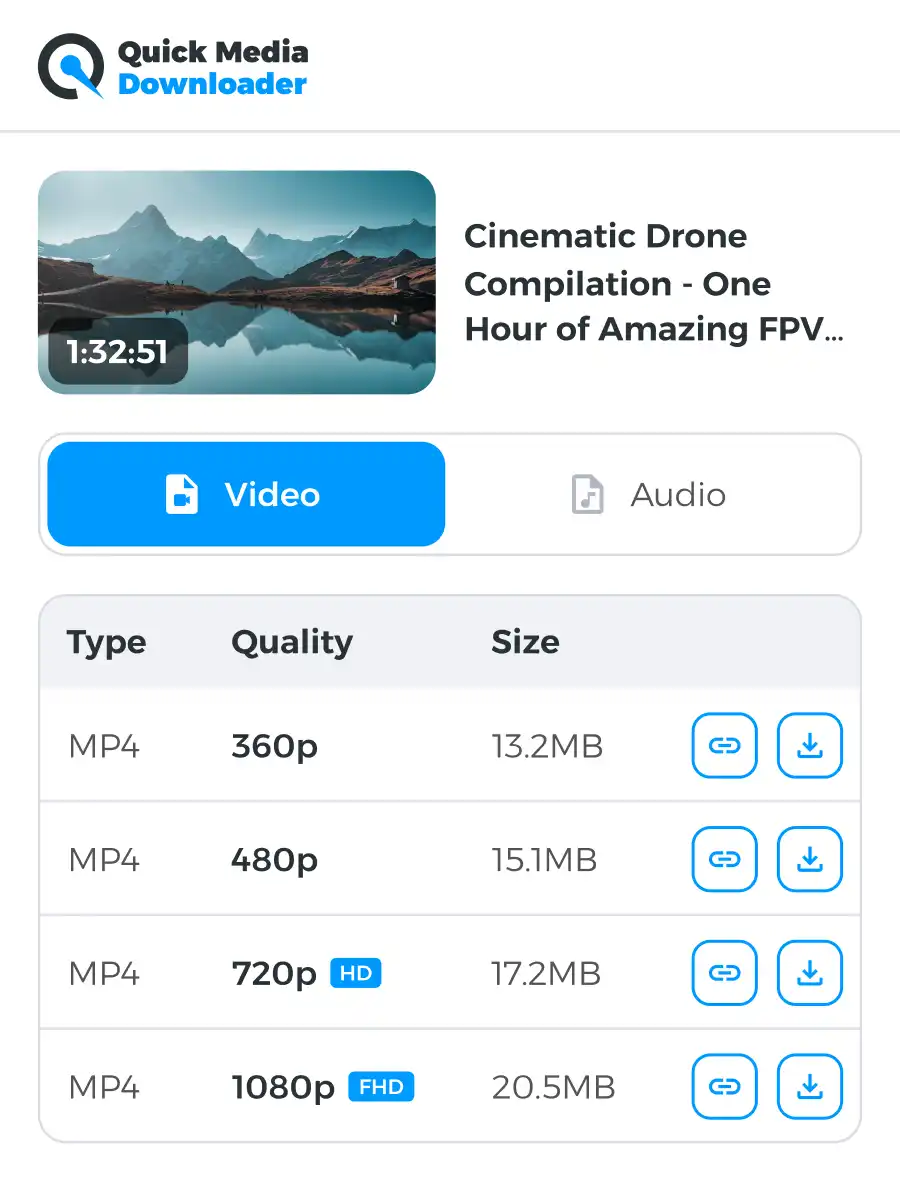
Choose MP4 or audio-only formats in resolutions up to 4K
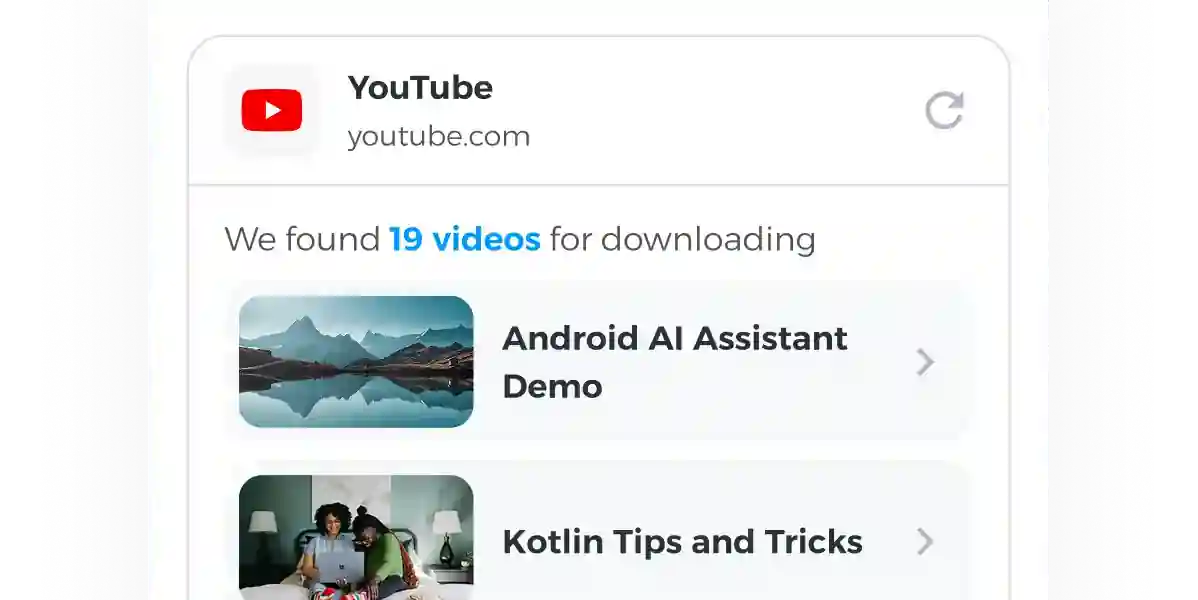
Built-in smart detection
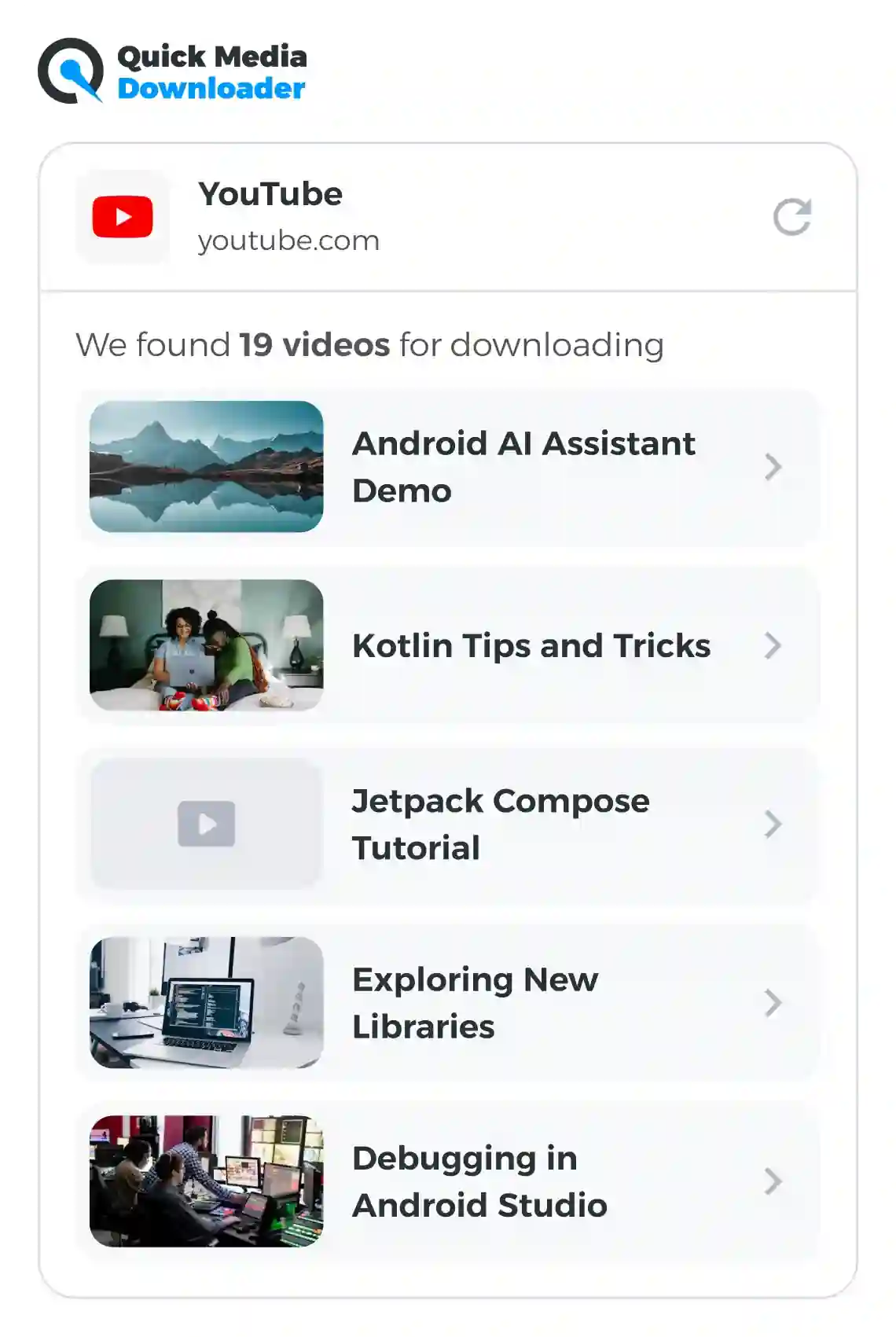
The extension automatically detects available videos on any page you visit
How it works

Install the Extension
Add our free browser extension in seconds - no sign-up or setup required. Once installed, it’s always ready to go

Visit Any Video Site
Open YouTube or any page with a video. The extension will automatically detect downloadable content on the page

Download in One Click
Choose your preferred format and quality, hit Download, and save the video instantly to your device
Start saving videos today — free forever
FAQ
Is the Downr Media Downloader truly free, with no hidden conditions?
Yes, it’s completely free, and there are no hidden conditions. You can use our YouTube video downloader extension as often as you want and save any number of videos. Just install the extension in your browser and start using all its features right away.
Can I download YouTube videos in 4K quality with audio included?
Definitely. Our extension supports downloading high-resolution videos, including 4K with audio. In fact, it can handle videos up to 8K, so you can enjoy top-tier image and sound quality without limitations.
Are there any usage limits on how often I can use the downloader?
No, there are no usage limits at all. The extension is always free, regardless of how many times you use it whether that`s a handful of downloads or hundreds.
Do you impose any restrictions on the maximum file size or video length?
We don`t restrict video size or duration. While some services limit large files, our downloader supports unlimited video lengths and file sizes across formats like 3GP, WebM, FLV, MKV, MP3, and MP4. There are virtually no limitations when using our extension.
How long should I expect a typical download to take?
The conversion process only takes a short moment, but the actual download time depends on your internet speed. A faster connection will finish the download sooner.
Am I able to download any YouTube video using this extension?
Almost all. You can download any video or YouTube Short that`s available to watch for free. Paid content, such as rentals, cannot be downloaded.
Why did the downloader show a successful message, but the video is not saved on my computer?
Sometimes Chrome gets overloaded with video downloads and stops saving files, even though the extension shows success. Refresh your browser and try downloading again. Or you can click on the “Folder” icon in the “My Downloads” tab and the video will download to your device.